Free tool · AI Runtime Risk Scan
Free AI security risk assessment: the AI Runtime Risk Scan
An AI security risk assessment checks how well your LLM apps and AI agents are protected in production. This free one from DeepintShield asks twelve yes, no or not sure questions across six areas, from prompts to audit evidence, and scores each area with a next step. No account needed.
- Twelve questions, about two minutes
- Scored in your browser
- Mapped to the OWASP LLM Top 10
How the scan works
Three steps, no account and no download. The scan runs on this page.
Answer twelve questions
Two questions for each of six areas. Answer yes, no or not sure.
See your score by area
Your browser works out a score for each area and one overall score.
Get a short list of fixes
Each area comes with one next step and the capability that covers it.
Start your AI security risk assessment
Choose Yes, Not sure or No for each question. You can go back at any time. An e-mail address is optional and only needed if you want the full report sent to you.
Your AI runtime risk score
What the scan checks
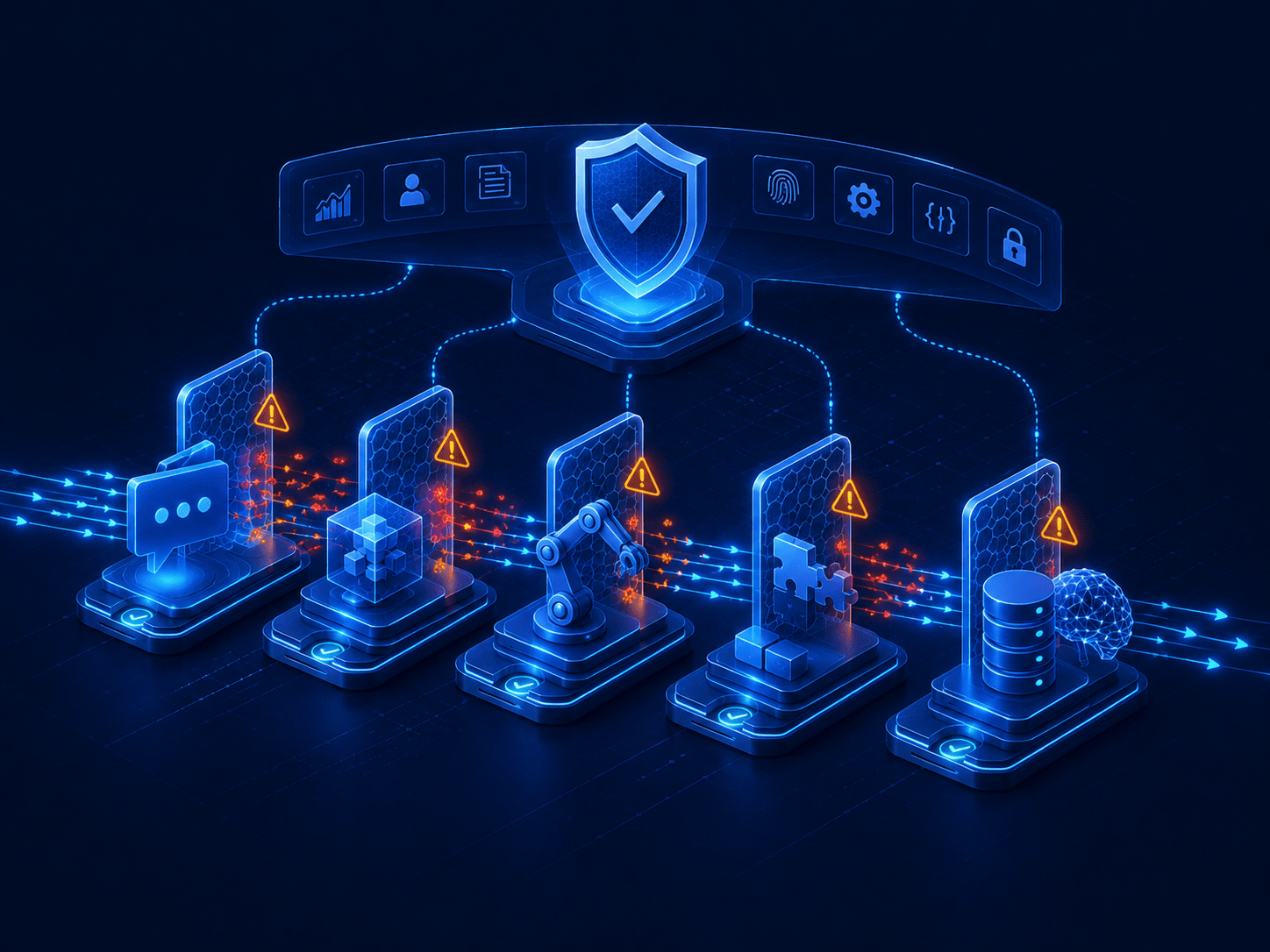
Six areas, each mapped to the OWASP Top 10 for LLM Applications or to record-keeping duties. A low score points to the capability that closes the gap.
Input
Prompt injection, jailbreaks, secrets and personal data in prompts. Mapped to OWASP LLM01 Prompt Injection and LLM02 Sensitive Information Disclosure.
Runtime Guardrails & PII
Retrieval
Hidden instructions and restricted data in retrieved chunks. Mapped to OWASP LLM04 Data and Model Poisoning and LLM08 Vector and Embedding Weaknesses.
RAG Security
Tool actions
A policy decision before every tool call, and human approval for high-risk actions. Mapped to OWASP LLM06 Excessive Agency.
Agentic Security
MCP
An allow-list of MCP servers and tools, and a check when an approved tool changes. Mapped to OWASP LLM03 Supply Chain.
MCP Gateway
Output
Personal data and unsafe content in responses, and answers checked against sources. Mapped to OWASP LLM05 Improper Output Handling and LLM09 Misinformation.
Hallucination Defense
Evidence
A tamper-evident log of every AI decision and the policy behind it. Mapped to EU AI Act Article 12 and NIST AI RMF Measure and Manage.
Observability & Audit
In DeepintShield, OWASP LLM Top 10 guardrails come on every plan, alongside OWASP Agentic guardrail cards. Read the guardrails docs.
Risk scan questions
Do I need to sign up?
No. You see your score as soon as you answer the last question, with no account and no e-mail address. The e-mail field appears only after the score, for people who want the full report sent to them.
Do you store my answers?
No, your answers stay in your browser, where the score is worked out. If you ask for the full report, only your e-mail address and your area scores are sent, not the individual answers, so we can e-mail the report. See the privacy policy.
How is the score worked out?
Each answer earns points: Yes 2, Not sure 1 and No 0. Each area has two questions, so four points make 100%. The overall score is the average of the six areas: 75% or more is Strong, 40% to 74% is Partial and below 40% is Exposed.
Is this a full AI security audit?
No, it is a quick self-check, not an audit. For a deeper review, the Agent Risk Assessment pilot runs observe-only in your cluster for two weeks on one to three GenAI or agent apps and maps gaps against 25 controls. See pricing and pilots.
What should I do after I get my score?
Start with your lowest area. Each result links to the capability that closes that gap, such as Agentic Security for tool actions. To see how the controls fit together on one request path, read how DeepintShield works.
Want a walkthrough of your results?
Bring your score to a 20-minute call with an engineer. We will go through each area on your own stack.