
Solutions · Enterprise AI
Enterprise AI security: answers for your CISO and review board
Enterprise AI security is the set of controls a large organisation needs before AI reaches production: where data goes, what agents may do, and how you prove both to an auditor. DeepintShield puts those controls in one platform that runs in our cloud, in your VPC or fully self-hosted.
- SSO over OIDC, SCIM and role-based access
- Hash-chained, append-only audit ledger
- Self-hosted, with an air-gapped option
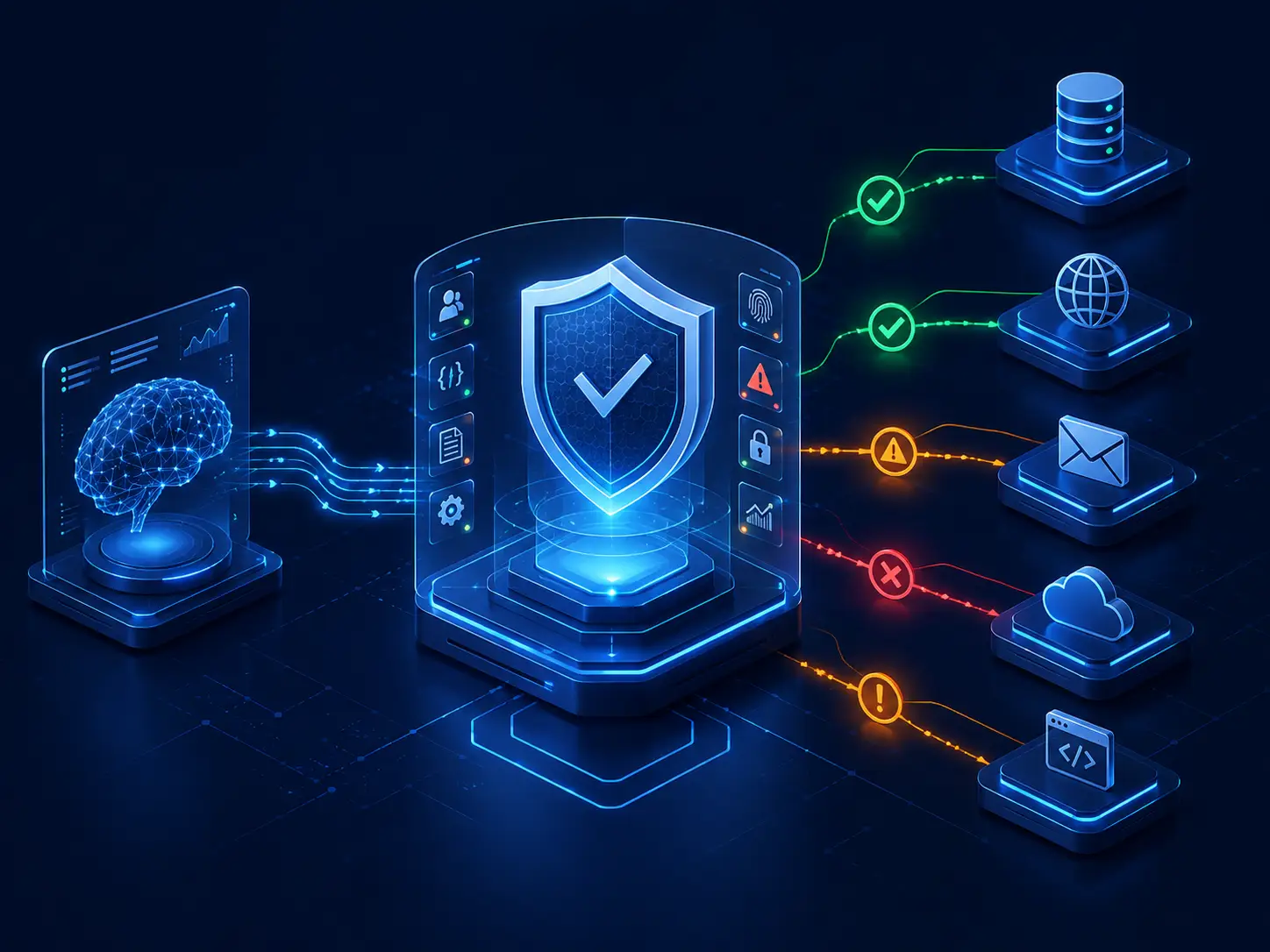
Three questions every CISO asks about enterprise AI security
Your review board will ask these before any AI system goes live. Here is how DeepintShield answers each one.
Where does our data go?
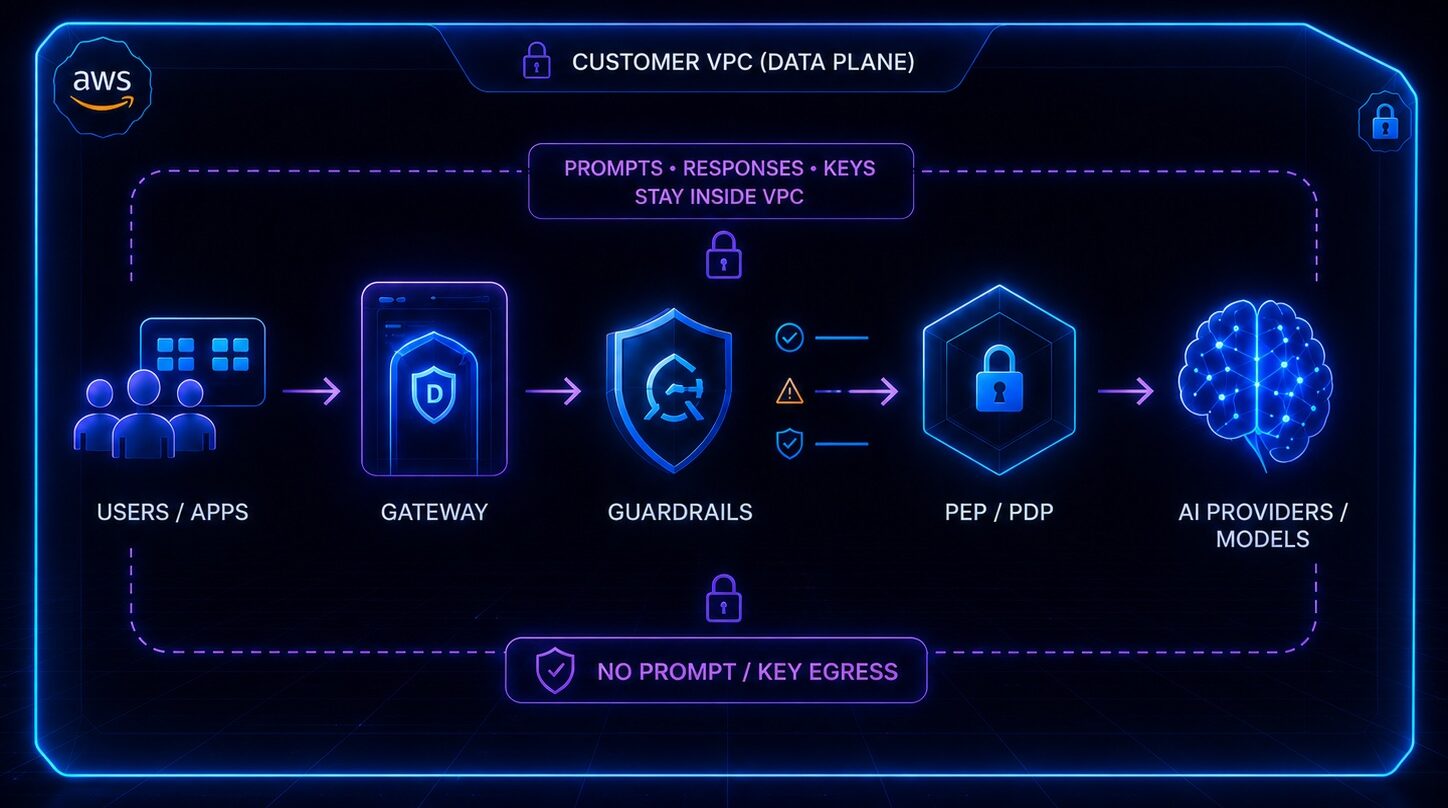
Where you decide. In hybrid and self-hosted modes, no data leaves your environment: prompts, responses, keys and audit records stay in your network. On the managed cloud, the hosting region is chosen to meet your requirements and zero retention is available. Personal data and secrets can be redacted before a prompt reaches any model.
What can an agent do, and who approved it?
Only what you allow. Every governed tool call gets an Allow, Deny or Require approval decision before it runs. Adding an agent, tool or MCP server never grants access by itself, and neither the requester nor the agent's owner can approve its actions. Agentic Security is on Business and above.
How do we prove it to an auditor?
With records you can check. Each agent decision is written to a workspace-scoped, append-only, hash-chained ledger before the call proceeds. Verify chain, in the console or through the API, shows whether any record changed. Evidence is kept for 730 days by default and exports to your SIEM or data warehouse. Read the audit log docs.
Built for enterprise security requirements
The controls a large organisation expects, without stitching together separate tools.
Self-hosted or hybrid deployment
Run the data plane in your VPC, or run everything yourself, with an air-gapped option on Enterprise Self-Hosted.
Compare deployment options
SSO, SCIM and MFA
Sign in over OIDC with Microsoft Entra ID, Okta, Google Workspace or Auth0, with SCIM sync for Entra ID and TOTP MFA.
See Governance
Workspaces and role-based access
Admin, Viewer and custom roles across gateway resources, plus relationship-based access with OpenFGA on Business and above.
SIEM and observability export
Audit logs, OpenTelemetry, Prometheus metrics, durable webhooks and scheduled exports to S3, BigQuery, Snowflake and more.
See Observability & Audit
Named support
Add 24×7 premium support with a named technical account manager, and an implementation service for VPC and self-hosted installs.
Private model connectivity
Connect self-hosted models through Ollama, vLLM or SGLang, or any OpenAI-compatible endpoint, beside 29 built-in model providers.
See integrations
Enterprise-grade security and control
The controls your security team checks first. Some depend on the plan or deployment you choose.
- SSO over OIDC with JIT provisioning
- SCIM sync with Microsoft Entra ID
- TOTP MFA on every plan
- Role-based access with custom roles
- Workspace-scoped decision ledger
- Hash-chained, append-only audit log
- Configurable retention, 730 days by default
- Bring your own keys from your KMS
- No call-home when self-hosted
Mapped to
- OWASP LLM Top 10
- OWASP Agentic Top 10
- NIST AI RMF
- ISO/IEC 42001
- EU AI Act
- MITRE ATLAS
Product facts
- Self-hosted
- No call-home
- Bring your own keys
- Open-source core
Framework mappings support your own assessment. Using DeepintShield does not by itself make a system compliant: see how AI compliance mapping works.
From monitor to enforce in four steps
Roll out policies without breaking the apps that already work. Move on when the findings look right for your traffic.
1. Monitor
Log findings only, and see what your policies would catch on real traffic.
2. Shadow
Evaluate every policy in shadow mode and review the decisions it would make.
3. Canary
Enforce on one virtual key, team or app first, while other traffic stays in shadow.
4. Enforce
Apply the full policy, with blocks, redactions and approvals recorded in the audit log.
Ready for your architecture review board
Bring the material your review board expects. Ask us for architecture and data-flow diagrams for the deployment you choose, and for help with your security questionnaire. The request path walkthrough shows where each check runs.
- Architecture and data-flow diagrams
- Answers for your security questionnaire
- Where each check runs on the request path

Choose where it runs
Fully managed cloud
We run the control plane and data plane. The hosting region is chosen to meet your requirements.
Managed cloud
Hybrid cloud
Your data plane runs in your VPC. We run the control plane over one outbound-only mutual-TLS link.
Hybrid cloud
Self-hosted
Control plane and data plane both run in your environment, with an air-gapped delivery option.
Self-hosted
Enterprise questions
Can it run in our own cloud account?
Yes. Enterprise VPC puts the data plane in your Kubernetes cluster on GKE, AKS or EKS, and DeepintShield runs the control plane over one outbound-only mutual-TLS connection. Enterprise Self-Hosted runs everything in your environment. Read the Enterprise VPC guide.
Does it support our identity provider?
Yes, if it supports OIDC. Console sign-in works with Microsoft Entra ID, Okta, Google Workspace, Auth0 or any OIDC provider, with JIT provisioning. SCIM sync is available for Entra ID, and every plan includes TOTP MFA.
What support is available?
Enterprise customers can add 24x7 premium support with a named technical account manager. A one-time implementation service is available for Enterprise VPC and Self-Hosted installs. Talk to our sales team about the terms you need.
What happens when a model provider fails?
Requests fail over. Fallbacks try backup providers or models in the order you set when a provider returns errors, rate limits or timeouts, and circuit breakers take failing keys out of rotation until they recover.
Walk through your deployment with us
A 20-minute call with an engineer, on your own stack: data flows, identity, audit and rollout.